
Bodybuilding
Hypertrophy, volume, the whole gym. The full experience: catalog, generator, exercise-by-exercise progression.
One card per exercise, your sets in a row, weight and reps right where you read them at arm's length. You tap done, and the app handles the rest timer, the volume, the records, and what you load next time.
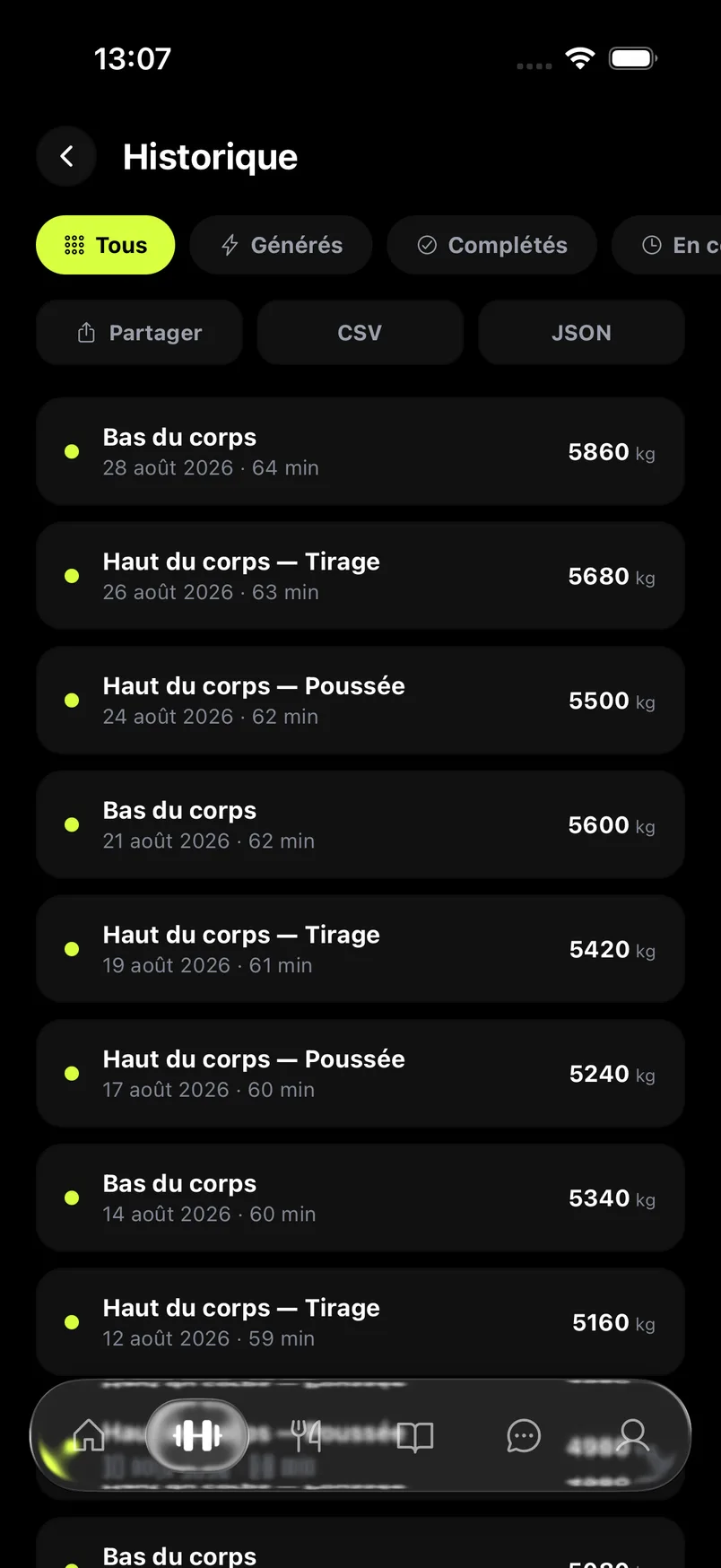
Keep your head in the iron.
The app handles the rest.
Rest starts on its own, your next load is already calculated, one thumb tap logs the set.
A switch at the top of the Training screen reconfigures the whole hub: competition lifts, ready-made sessions, rest times calibrated for strength. Your choice is remembered.
Hypertrophy, volume, the whole gym. The full experience: catalog, generator, exercise-by-exercise progression.
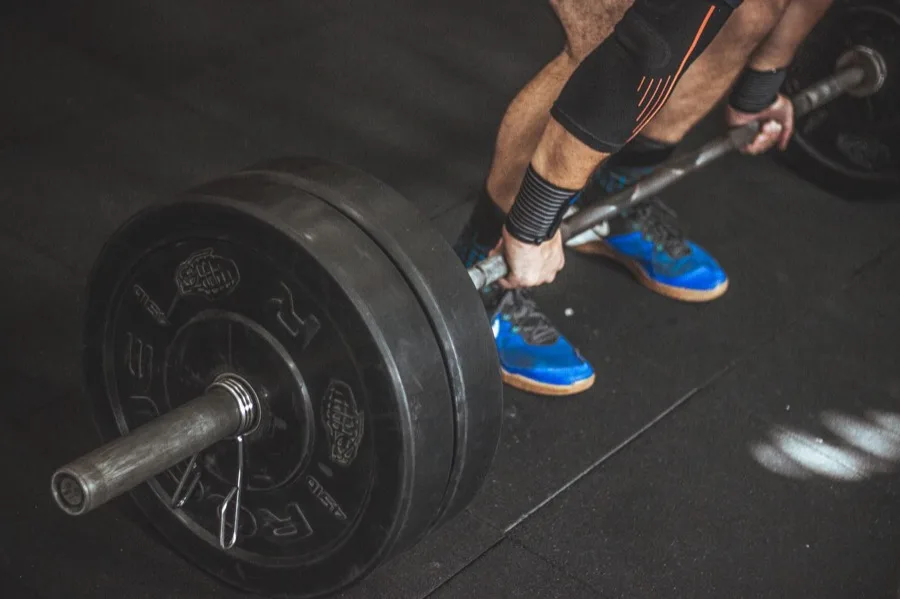
Squat, bench press, deadlift. Ready-made sessions in 5×5 and 5×3, four to five minutes of rest on the big lifts — strength needs recovery.
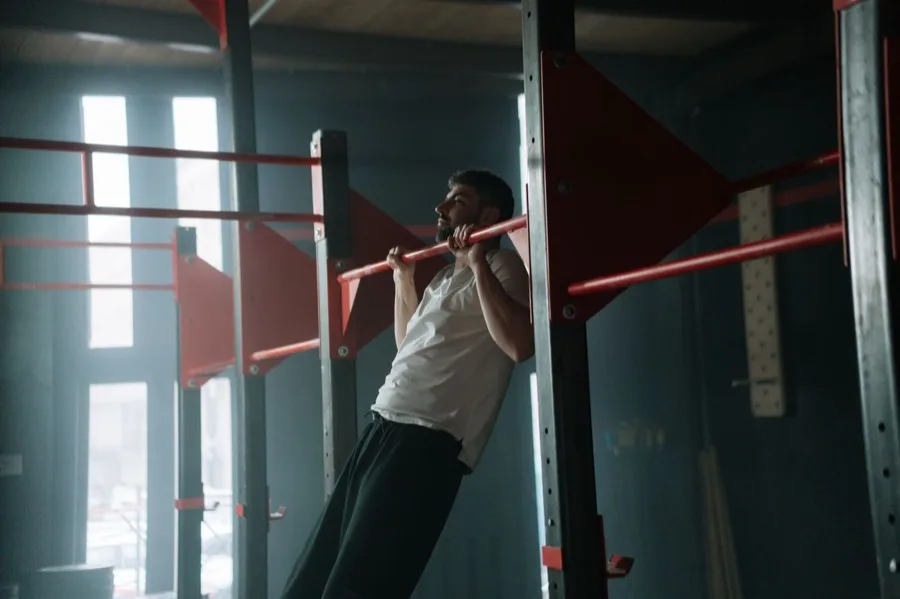
Weighted pull-ups, dips and muscle-ups, squat. Added weight logs set by set, belt included.
The set table sits right inside the card. Add a set, remove one, add an exercise mid-session: nothing forces you to plan your session ahead or finish it the way you started it.
Counted in the session, excluded from volume and stats. Working up in weight never inflates your curves.
The set that counts. It feeds the volume, the records, and the suggestions.
You strip weight and go again with no rest. Linked to the set it extends.
The set went all the way. The engine factors that in to decide whether you're stalling or not.
 Warm-ups never count toward volume or stats. It's the only way to have curves that actually mean something when you work up through five sets before the first real one.

It starts on its own the moment you log a set and keeps running in the background. On iPhone, the countdown shows in the Dynamic Island: it keeps going even with the app closed, so you put the phone away and just hear when rest is up.
Groups two or more exercises together. The log keeps the link between them and carries you from one to the next without scrolling back up the list.
If the phone kills the app mid-session, you find it exactly as you left it on restart: logged sets, timer, current exercise.
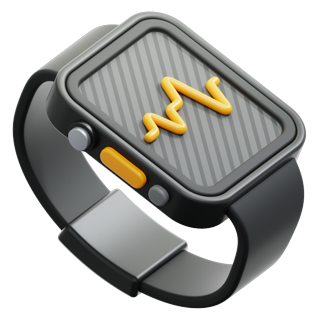
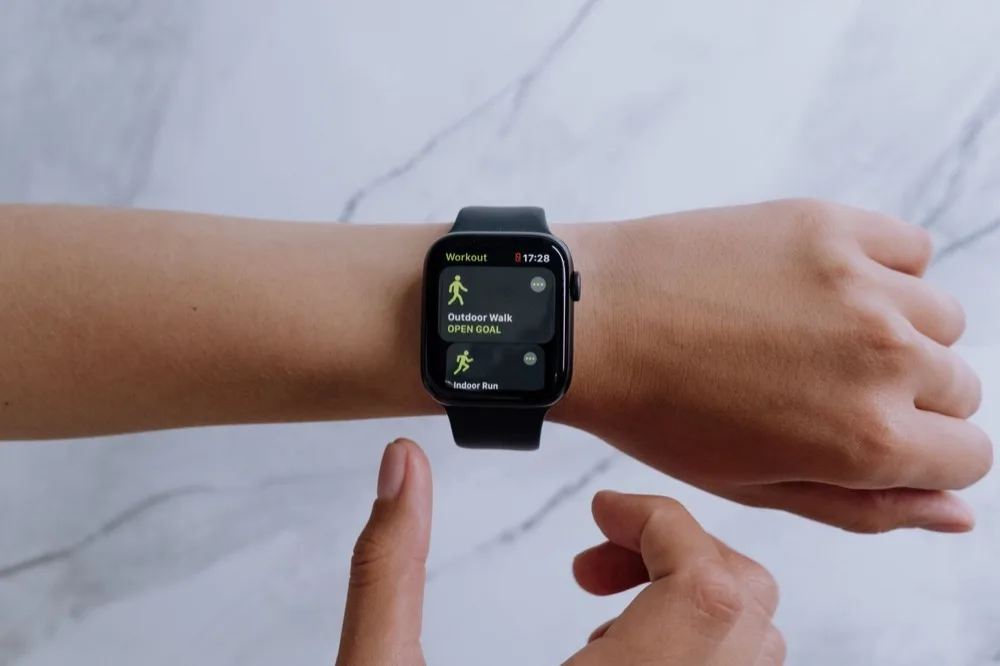
Your current session follows on your wrist. You check where you stand without pulling the phone out of your pocket.
Start, log your sets, finish or abandon — without pulling out your iPhone. Your watch's heart rate shows live in the app while you train.
Every suggestion comes with its reason, written right under the exercise. No black box: you can always overrule it and load whatever you want.
You climb reps to the top of your range. Once every set hits the top, the weight goes up and you start back at the bottom of the range.
A fixed increment every successful session. Simple, readable, effective for as long as it works.
The last set goes for max reps. One big set speeds up progression, and a miss triggers a deload instead of a reset.
Nothing to add to a bar: progression is played out in reps and in the difficulty of the variation.
RIR stands for reps in reserve: how many more you could have done. A successful set with 3 reps in reserve pushes the load up faster than a set ground out to the limit. Conversely, a miss with reps still in reserve isn't read as a stall — you stopped, you didn't cap out.
No record is ever typed in by hand. The app spots them in your logged sets the moment you set them. The only way to see one show up is to have actually done it.
One single entry point for all three formats. Drop your file, and the app figures out on its own where it came from — no list to pick from.
CSV export from the app.
CSV export from the app.
CSV export from the app.
 Rows the import couldn't read don't just vanish: they're listed for you at the end, each with its reason. You see exactly what went through and what got left out.
Set the phone down and do your set. Detection runs live on 17 key points of your body and tracks your movement as you do it. Nothing to upload, nothing to send off: it's the camera and the analysis, right there.
SmartFit AI is in closed beta on TestFlight. Install it, import your history, and start your next session right there.
Join the iOS beta